1
Copy your AI-generated text
Start with writing from tools such as ChatGPT, Claude, Gemini, Grok, DeepSeek, or another AI writing workflow.
Turn AI-generated drafts into writing that feels more natural, readable, and closer to the way people actually write.
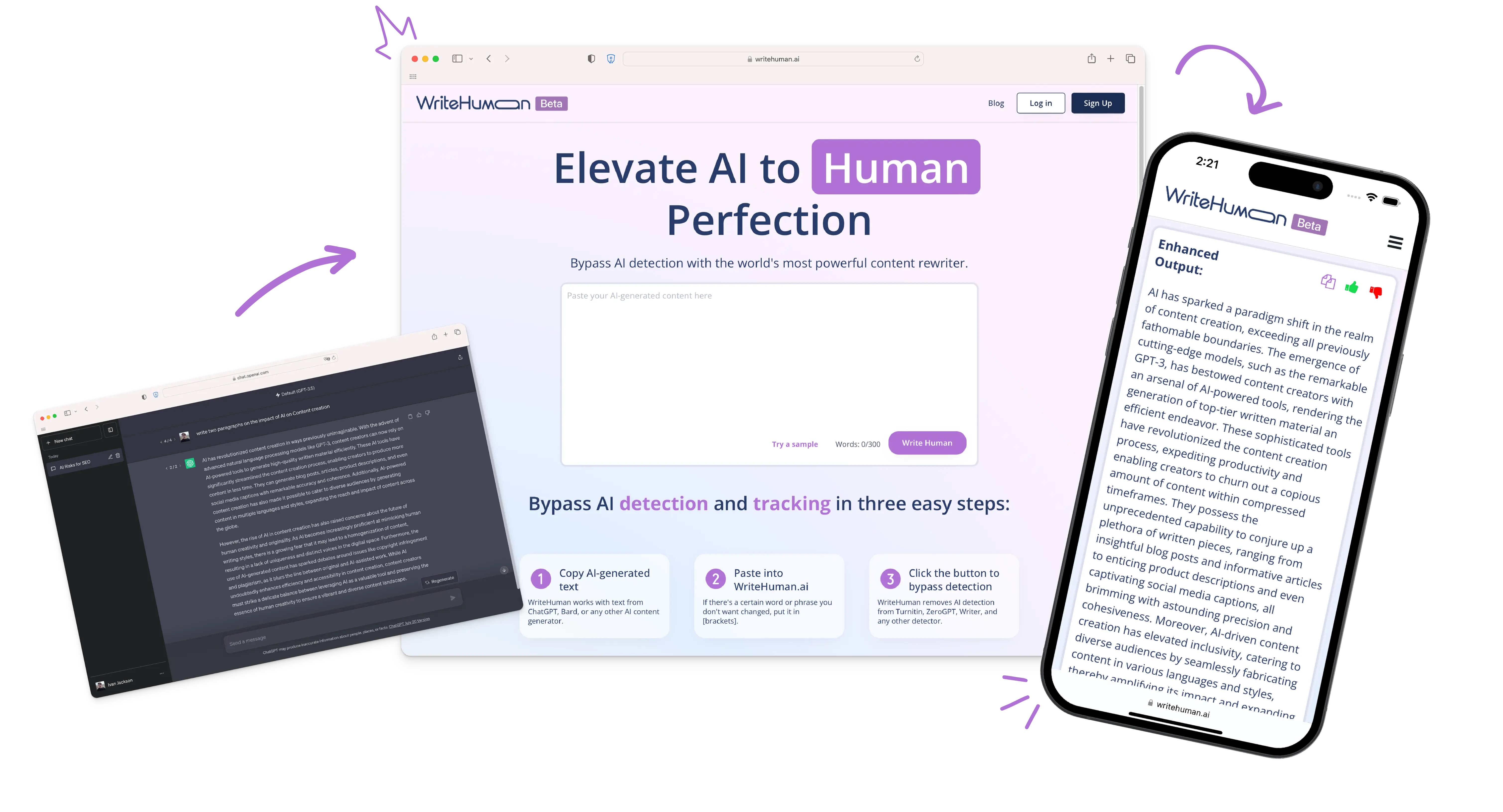
WriteHuman is designed around a straightforward workflow: start with your AI draft, refine it, then use the version that fits your voice.
Start with writing from tools such as ChatGPT, Claude, Gemini, Grok, DeepSeek, or another AI writing workflow.
Drop your draft into the humanizer and choose the workflow or tone that fits the kind of writing you are producing.
Get a rewritten version with different phrasing and cadence while keeping the original idea at the center.
A useful AI draft can still feel repetitive, overly polished, or strangely predictable. The hard part is often not generating the first draft. It is getting the draft to sound natural.
WriteHuman combines humanization with tools that help you inspect, refine, and scale AI-assisted writing.
Rewrite AI-generated text into more natural-sounding prose while preserving the central meaning.
Check a draft and inspect sentence-level AI probability before publishing.
Paid tiers can provide multiple output variations so you can compare different rewrites.
The WriteHuman API supports more than 40 languages with automatic language detection.
API users can select professional, academic, blog, casual, creative, scientific, or technical tones.
API and MCP options let teams bring humanization into their own products and AI-assisted workflows.
Different people start with AI for different reasons. The common need is getting the draft into a form they are comfortable using.
Refine AI-assisted drafts and spend more time reviewing the actual ideas.
Use AI for the first draft, then work toward a more natural reading experience.
Polish AI-assisted copy before it reaches customers, campaigns, or landing pages.
Refine AI drafts before they become part of a publishing workflow.
Process client content with a repeatable humanization step.
Move from rough AI output to client-ready drafts more efficiently.
Refine AI-assisted proposals, presentations, internal writing, and customer communication.
Use the REST API or MCP connector to add humanization to your own workflow.
A simple example of the kind of transformation WriteHuman is designed to perform.
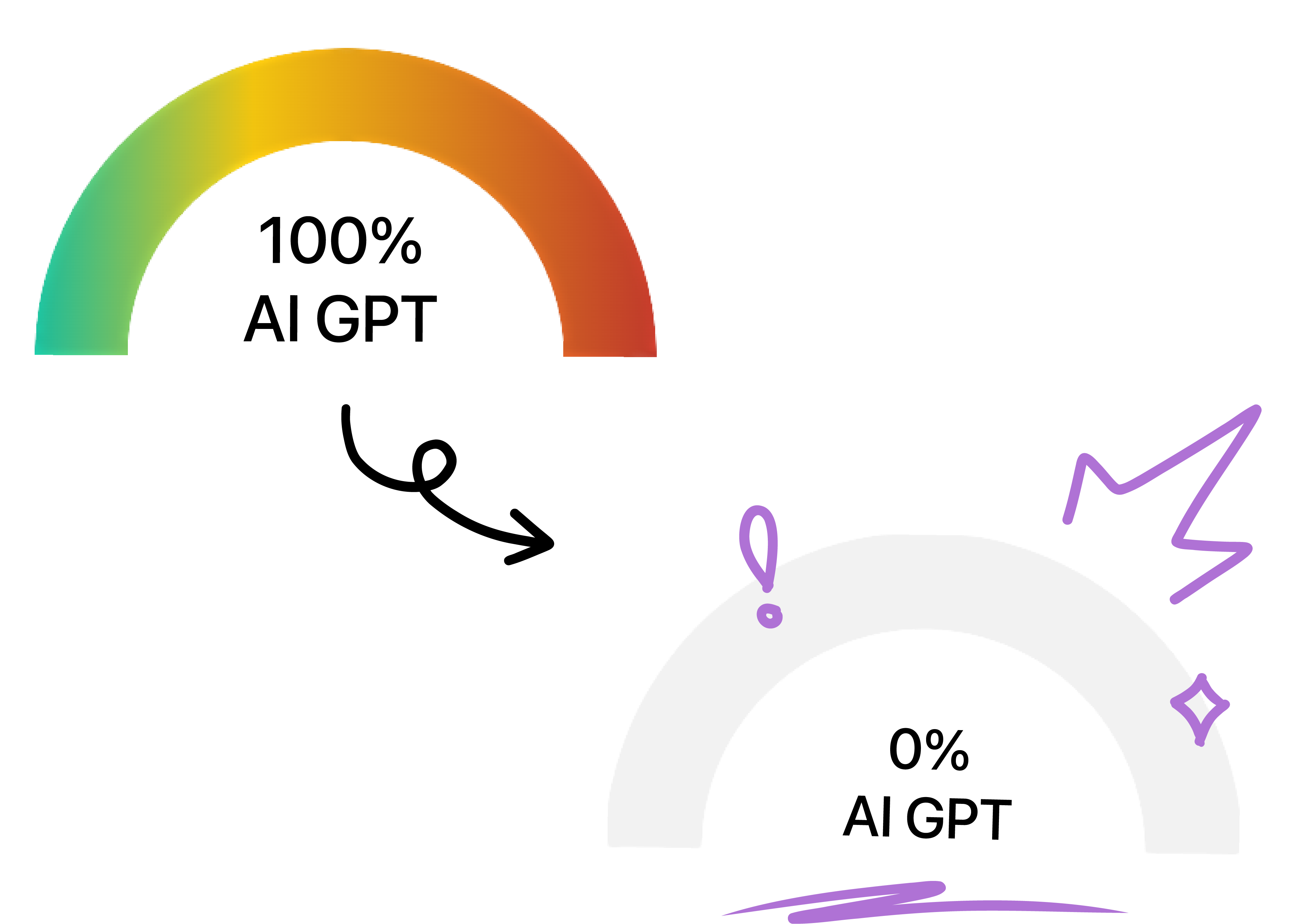
These figures are claims displayed by WriteHuman on its current website. They are not independent guarantees of future results.
“It generates the text so perfectly even a human won't question it.”
Umeh C. · Google Play“It's great. That's what I need as a blogger.”
Ogu N. · Google Play“In my corporate world, it helps me a lot in generating my proposals, presentations, and even my short speech in just a minute.”
Chieiansky · App StoreWriteHuman's detector shows an overall AI-authorship signal and can expose sentence-level probability so you can see which parts of a draft may need more work.
WriteHuman also offers a REST API with word-based pricing, 40+ languages, writing tones, and scored variations on Premium. There is also an MCP connector for supported plans.
Explore WriteHumanPOST /v1/humanize { "text": "Your AI text…", "tone": "general" } → humanized output
Pricing shown here is based on the current WriteHuman pricing page. The official site controls final pricing, billing, and availability.
Best for light users
Best for most users
Best for power users
Clear answers based on the current product information available from WriteHuman.
WriteHuman is an AI writing tool focused on humanizing AI-generated text. It also offers AI detection and, through its API, ways to integrate humanization into other products and workflows.
You provide an AI-generated draft and WriteHuman rewrites it to produce more natural wording, phrasing, and cadence while aiming to preserve the original meaning.
Yes. WriteHuman's workflow is designed for AI-generated text, and its website specifically describes use with text produced by tools such as ChatGPT, Claude, Gemini, Grok, and DeepSeek.
Yes. WriteHuman provides an AI detector that can show AI-authorship probability and sentence-level signals.
No responsible tool should be presented as a universal guarantee against every detector. WriteHuman displays human-score results across several platforms, but detector behavior can change and results can vary by text and platform.
Yes. The current WriteHuman pricing page lists a free option with three humanizer requests per month and a 250-word maximum per request.
The current annual-billing prices shown by WriteHuman are $12/month for Basic, $19/month for Pro, and $39/month for Ultra. Monthly list prices are higher. Check the official pricing page for the current checkout price.
Its API documentation states that it supports more than 40 languages, including English, Spanish, French, German, Portuguese, Chinese, Japanese, Korean, and Arabic.
Yes. WriteHuman offers a REST API for humanization and detection. API plans use word-based pricing, and the documentation provides JavaScript, Python, and cURL examples.
The MCP connector lets supported AI clients such as Claude, Cursor, and Codex use WriteHuman's humanization and detection tools directly. The vendor currently lists MCP access on Pro, Ultra, and API plans.
The current pricing page states that paid plans can be upgraded, downgraded, or canceled anytime and describes them as having no contracts.
It can be useful for people who regularly work with AI-assisted writing, including writers, marketers, bloggers, students, agencies, businesses, and developers building AI writing workflows.
Try WriteHuman on your own text and decide whether the output fits your voice, workflow, and publishing needs.